
Let’s be honest: nobody actually maintains a handwritten mileage log. You start the year with good intentions, write down your first few trips, then life happens. By March you’re guessing, and by December you’re either dramatically underreporting or making stuff up.
That’s not a moral failing—it’s a design problem. Manual tracking asks you to do a tedious thing dozens of times a week, indefinitely, with no immediate payoff. Of course it fails.
What “Automatic” Actually Means
The apps that call themselves “automatic” use a few different signals to figure out when you’re driving:
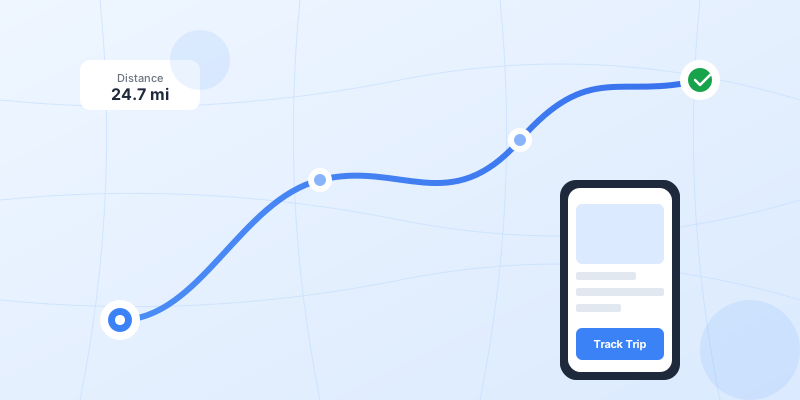
GPS. Your phone already knows where you are. A mileage app taps into that location data, notices when you start moving at driving speeds, and logs the trip. When you stop, it calculates the distance.
Motion sensors. Your phone’s accelerometer can tell the difference between walking, biking, and driving. Apps use this to avoid logging your walk to the coffee shop as a trip.
Bluetooth pairing. Some apps can detect when your phone connects to your car’s Bluetooth. That’s a pretty reliable “you’re in the car” signal. Not everyone has Bluetooth in their car, but if you do, it helps.
The best apps combine all three. GPS for distance, motion sensors to filter out false positives, Bluetooth as an extra trigger. The result: trips get logged without you pressing any buttons.
Why This Matters for Taxes
The IRS is pretty clear about what they want: contemporaneous records. That’s tax-speak for “logged at the time, not made up later.”
If you ever get audited on your mileage deduction (it happens, especially if you’re claiming a lot), they want to see dates, destinations, business purposes, and miles. A spreadsheet you filled out in April based on memory won’t cut it.
An automatic tracker creates exactly the kind of records the IRS likes. Timestamped. GPS-verified routes. You just need to add the business purpose (a one-tap classification in most apps).
What to Look For in an App
There are a lot of mileage trackers out there. Most do the basic job. A few things separate the good ones:
Truly automatic detection. Some apps claim to be automatic but still require you to hit “start” before each trip. That defeats the purpose. Look for apps that detect trips on their own.
Battery efficiency. GPS tracking can drain your battery. The better apps are optimized to run all day without killing your phone. Check the reviews—if people complain about battery, that’s a red flag.
Easy classification. You’re going to have a mix of business and personal trips. The app should make it dead simple to swipe through your trips and mark them. Bonus if it learns your patterns (“trips to this address are usually business”).
Good reports. At tax time or reimbursement time, you need to export your data. PDF and CSV are standard. Check that the reports actually include what the IRS wants: dates, locations, purposes, miles.
Privacy controls. You’re letting an app track your location all day. Make sure you can delete trips, pause tracking, and that the company has a clear privacy policy. Your data shouldn’t be sold to advertisers.
The Honest Trade-Off
Automatic tracking isn’t magic. You’re trading manual logging for a bit of battery usage and the mild creepiness of always-on location tracking. For most people who drive regularly for work, that’s a trade worth making.
The alternative—manually tracking thousands of trips per year—just doesn’t happen in practice. And not tracking means leaving money on the table. At 72.5¢ per mile, missing just 10 trips a week adds up to thousands of dollars in lost deductions over a year. Use our mileage deduction calculator to see exactly how much you might be missing.
My advice: try an app for a week. See how many trips it catches that you would have forgotten. That number usually sells itself. And if you’ve already gone months without tracking, read our guide on recovering past mileage from your phone’s location history.
“I went from claiming about 8,000 miles a year to over 14,000—same amount of driving, I was just actually capturing it all.” — real user, not me
The setup takes two minutes. The payoff lasts all year. Sometimes the boring tools are the ones that actually make a difference.