
Recover Lost Mileage
Your phone has been tracking your trips. Here's how to turn that data into a tax-ready mileage report.
Download OdoAlibi
Get OdoAlibi from the App Store or Google Play. The timeline import feature is free.
Open OdoAlibi and tap "Import Trips"
After signing up, tap Import Trips on the main screen to start the import flow.
Export your Google Timeline data
On your phone, go to Settings → Location → Timeline and tap "Export Timeline Data". This saves a JSON file with your location history.
Screenshot: Settings → Location → Timeline → Export
Select the exported JSON file
Back in OdoAlibi, select the JSON file you just exported. The app parses all your trips — dates, distances, and locations — right on your phone.
Categorize common locations
OdoAlibi identifies your most-visited locations — office, clients, home. Tag each one as Business or Personal, and all matching trips are automatically classified.
Screenshot: Location categorization
Classify one-off trips
Any trips that didn't match a common location can be quickly classified individually. Swipe right for business, left for personal.
Export your tax-ready report
Tap Export Report to generate a CSV or PDF mileage log with dates, locations, distances, and your total deduction at the current IRSCRA rate.
Screenshot: Exported mileage report
Recover your mileage in minutes
Download OdoAlibi and import your Google Timeline — no manual entry needed
Get Started FreeGoogle Timeline data availability: As of 2024, Google keeps only about 90 days of Timeline data by default. If you didn't opt in to keep your history before December 2024, older data may have been deleted. Check your Timeline settings in Google Maps and enable cloud backup to prevent future data loss.
No Google Timeline data?
You can still recover past trips using calendar appointments, credit card statements, toll records, and more.
Learn How to Recover Past MileageWhy use OdoAlibi for timeline import?
Processed on your phone
Your timeline data is parsed entirely on your device. Only the business trips you select are synced with OdoAlibi — personal trips stay on your phone.
IRSCRA compliant
Exported reports include dates, destinations, purposes, and distances — exactly what the IRSCRA requires for mileage deductions.
Done in minutes
No manual entry. Import a full year of trips, tag them as business or personal, and export your report — all in one session.
Don't do this again next year. Once you've imported your past trips, OdoAlibi automatically tracks every business trip going forward — no manual logging needed.
How to Convert Google Location History to a Mileage Log
Your phone has been quietly tracking your location for years. If you use an Android phone or have Google Maps installed, Google Timeline (formerly Location History) records every trip you make — driving, transit, walking, and more. This data includes dates, locations, distances, and travel modes.
OdoAlibi connects to your Google Timeline and converts that raw data into a formatted mileage log suitable for tax purposes. The app imports your trips, lets you tag them as business or personal, and exports an IRSCRA compliant report with dates, distances, and deduction amounts.
For manual entry, use our free mileage log template, or try our calculator for quick deduction estimates.
What Data Does Google Timeline Record?
- Dates, locations, and travel mode (driving, transit, walking)
- Distance and duration of trips
- Google tries to identify places you visit (home, work, stores)
- Accuracy depends on phone settings and GPS availability
Other Sources of Trip Data
Don't stop at Google Timeline. You can also recover trip data from:
- Calendar appointments — client meetings, site visits, conferences
- Email — search for directions or meeting confirmations with addresses
- Credit card statements — charges at gas stations, parking lots, restaurants
- Toll records — E-ZPass, SunPass, and similar services keep transaction history
- Ride-share apps — Uber and Lyft keep complete trip histories
- Photos — check the location metadata on photos taken from your phone
Is Reconstructed Mileage Legal?
Using location history to reconstruct mileage is legitimate. The IRS prefers "contemporaneous" records logged at the time of the trip, but reconstructed records are acceptable if they're based on real data (location history, receipts, calendar), as accurate as you can make them, and you keep documentation of how you created them. Read more about what to do if the IRS asks about your mileage records.
Who Should Use This?
- Anyone who forgot to track mileage during the year
- Self-employed individuals reconstructing a mileage log for tax purposes
- Employees verifying reimbursement claims
- Anyone curious about their driving patterns
Related Reading
How to Recover Past Mileage from Your Phone
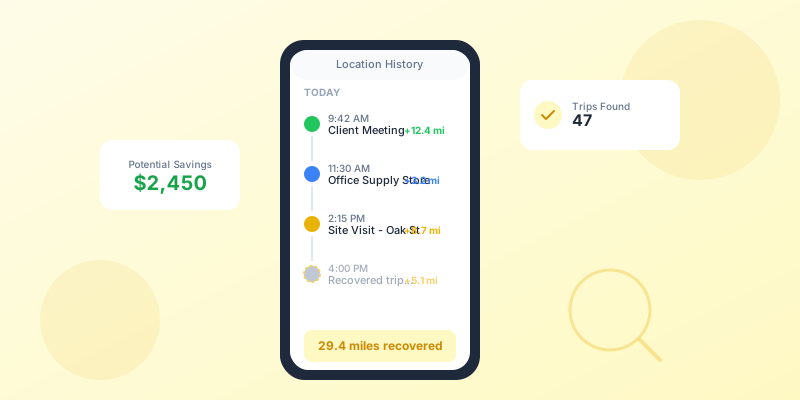
Your phone has been tracking your location. Learn how to turn that data into a mileage log for tax season.
2026 IRS Mileage Rate: 72.5 Cents Per Mile
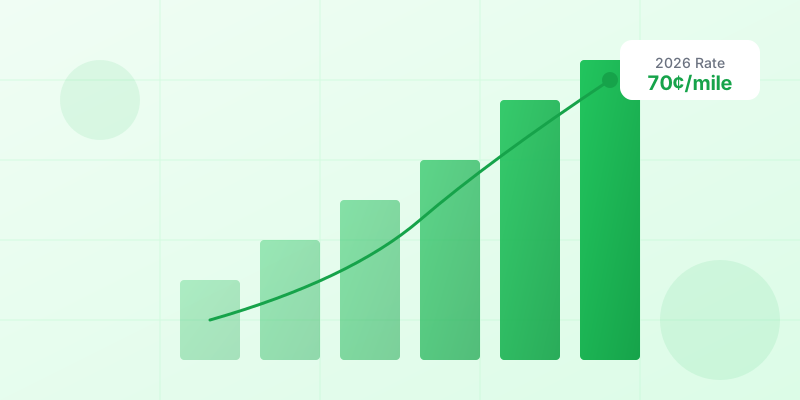
The IRS standard mileage rate increased to 72.5 cents per mile for 2026. Here's what changed.
CRA Mileage Rates 2020–2026: Complete History
Every CRA per-kilometre rate from 2020 to 2026, including territory rates and how to claim.
Ready to Simplify Your Tracking?
Download OdoAlibi today and start tracking your mileage, expenses,
and time effortlessly.